Global Payments Merchant Portal Tutorials: Signing in and out
Signing into the Merchant Portal
Merchant Portal Login Page
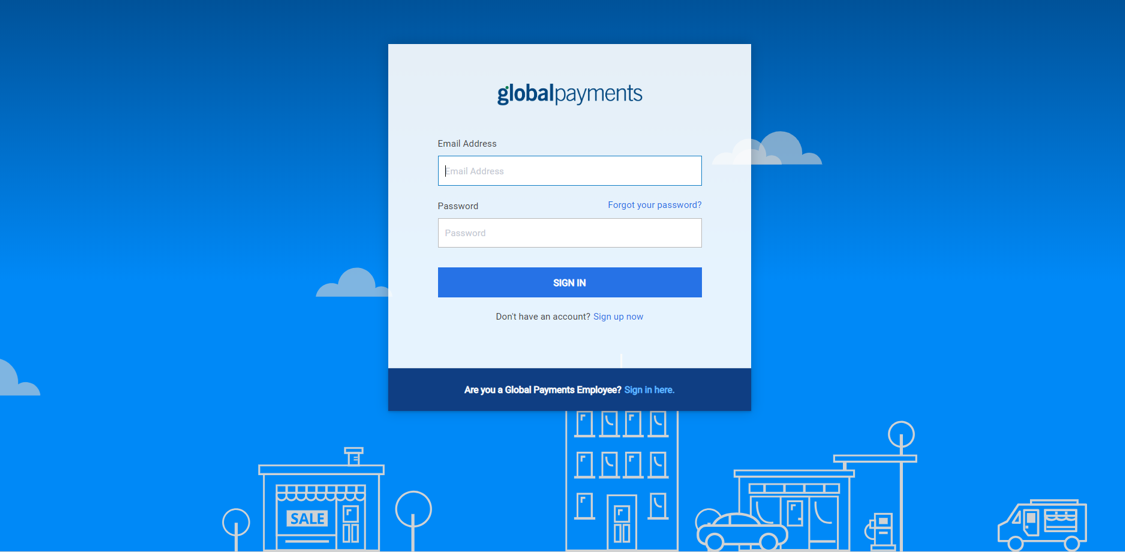
To log in to Merchant Portal, enter https://accounts.globalpaymentsintegrated.com into the address bar of your browser. The Global Payments Merchant Portal login page, as pictured below, will request the entry of an Email Address and Password.
Initial Merchant Portal Screen
Following the login process, you will arrive at the initial Merchant Portal screen.
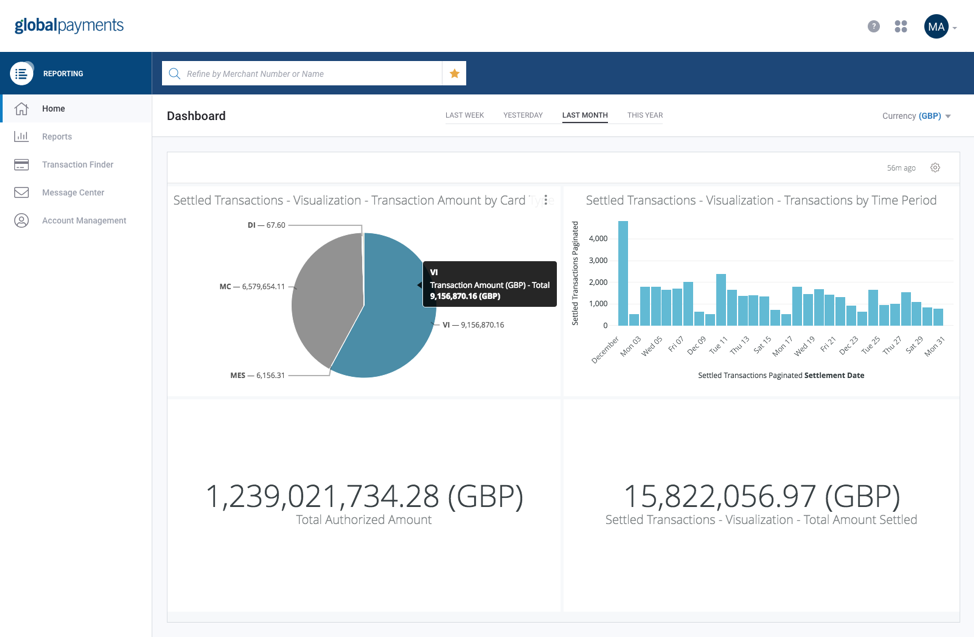
All Merchant Portal pages have a menu bar located on the left-hand side of the page, which offers a variety of options to the user. The options offered will also vary depending on the privileges associated with the user’s profile.
For the purpose of this guide, we will focus on the reporting functions within the application.
Signing Out of Merchant Portal
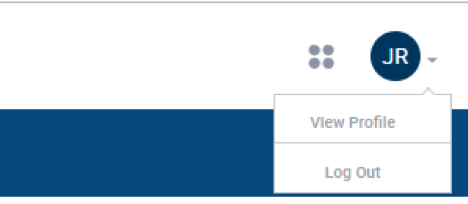
To sign out of Merchant Portal, click on the profile button at the top right-hand side of the blue navigation bar, which will allow you to “Log Out” of every Merchant Portal page as illustrated: